


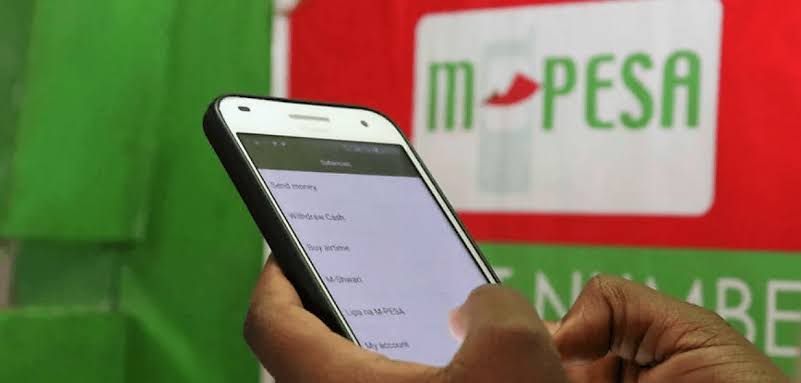

Fuliza is a popular overdraft service offered by Safaricom’s M-PESA, allowing users to complete transactions even with insufficient funds.
However, some users may wish to opt out due to financial reasons or personal preferences.
In this article, WoK provides a comprehensive guide on how to opt out of Fuliza, detailing the steps to do so via USSD or the M-PESA app.
Via USSD code
Follow the steps below when opting out of Fuliza via USSD code;
- Dial *234# via your Keypad
- Select option 7 labelled Opt Out – You will receive another Prompt with the Message ‘Opting Out of M-Pesa Fuliza will reset your limit to as low as Ksh. 0 when you next opt in’. If you are sure you would like to unsubscribe from Fuliza select Option 1 for Yes
- A pop-up Notification from Safaricom will Appear with the following message
Once you have been officially unsubscribed. M-PESA will send a text message.
Via M-PESA app
Follow the steps below when opting out of Fuliza using the M-PESA app;
- Open the App
- Select Fuliza M-PESA from the menu
- Choose Opt Out from the available options
- Confirm your choice by following the on-screen prompts
You’ll receive an SMS notification confirming your Fuliza deactivation